Open Terminal, then copy and paste the following commands to play the game:
- Tetris:
emacs -q --no-splash -f tetris - Pong:
emacs -q --no-splash -f pong - Snake:
emacs -q --no-splash -f snake - Solitaire:
emacs -q --no-splash -f solitaire - Doctor:
emacs -q --no-splash -f doctor - Life:
emacs -q --no-splash -f life - Dunnet:
emacs -q --no-splash -f dunnet
Examples
Tetris
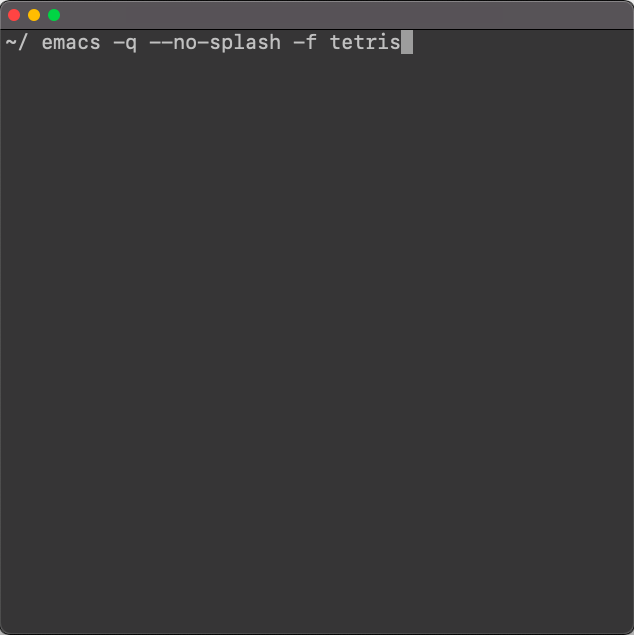
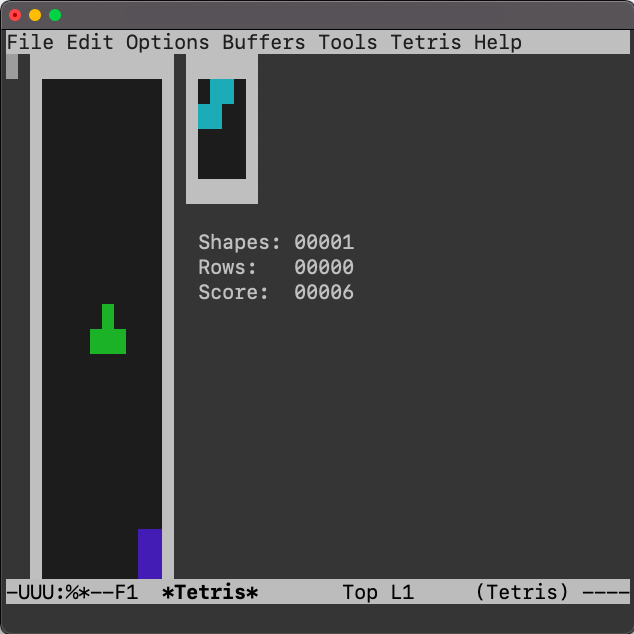
Open Terminal, type in emacs -q --no-splash -f tetris, and hit Return:
Pong
emacs -q --no-splash -f pong

To control the
- Right player: use the up and down arrow keys
- Left player: use the 4 and 6 keys (or left and right arrow keys)
Snake
emacs -q --no-splash -f snake

Doctor
emacs -q --no-splash -f doctor
Speak to a doctor psychotherapist.

Dunnet
emacs -q --no-splash -f doctor
Dunnet is a text-based adventure game.
